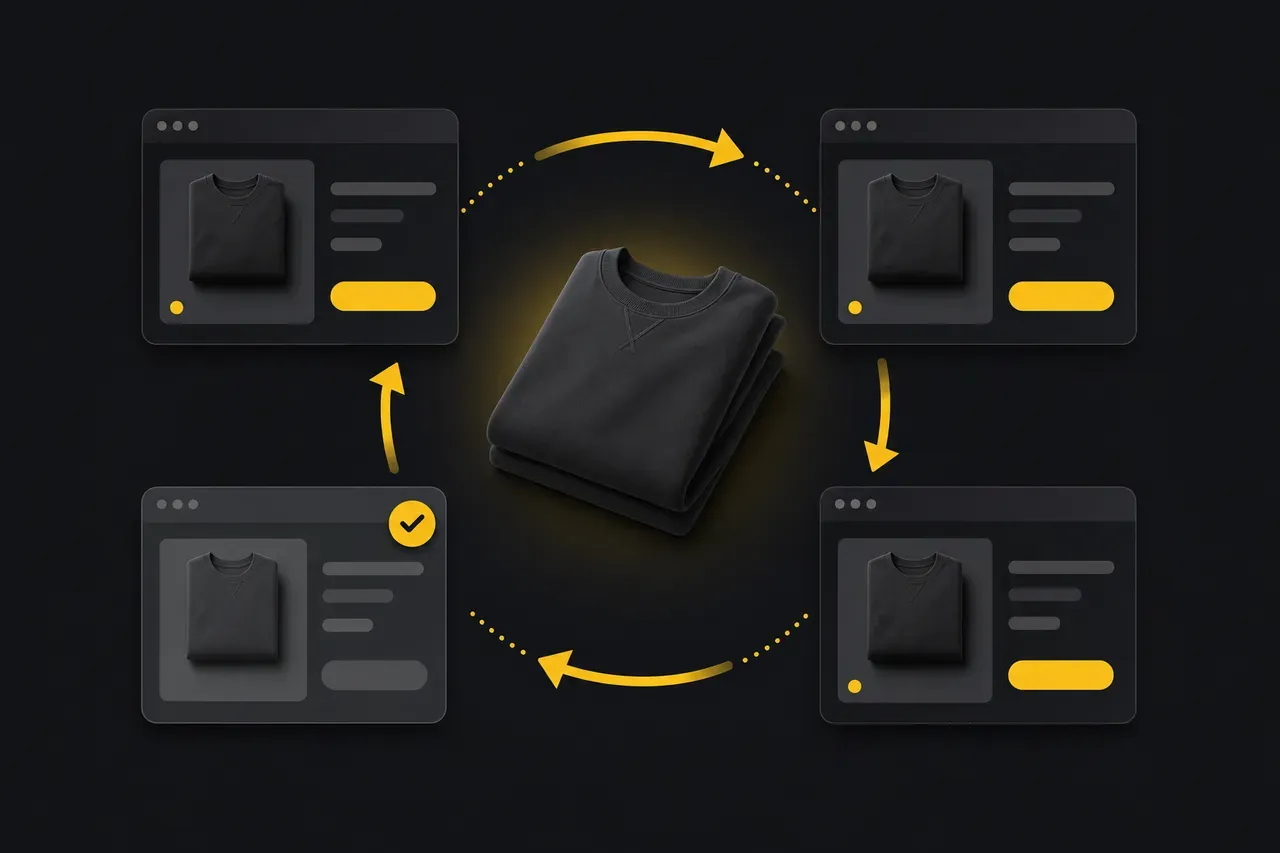
The number one risk when you sell the same item on several marketplaces is selling it twice: an order to cancel, a disappointed buyer, and a black mark against you on the platform. The remedy is called stock sync: as soon as an item leaves on one platform, it must disappear instantly from all the others. You can do it by hand as long as your volume stays small, or let a tool take care of it once things grow.
In this article, we look at why double selling happens, what it really costs, how to protect yourself by hand or automatically, and at what volume manual sync simply stops holding up.
Why do you sell the same item twice when crosslisting?
Double selling happens when an item sold on one platform stays visible and purchasable on the others, even for just a few minutes too long.
It is the flip side of crosslisting: publishing on Vinted, eBay, Leboncoin, Vestiaire and Etsy at the same time multiplies your visibility, but it also means your stock (which remains unique) is exposed to several potential buyers at once. If you do not remove the listing everywhere else the second it sells somewhere, two buyers can order the same item a few minutes apart. The second one will never receive their order, and that is where it gets complicated.
What are the real consequences of a double sale?
A double sale forces you to cancel one of the two orders, and that cancellation is never neutral: it costs trust, time, and sometimes a lasting mark on your seller account.
In practice, here is what it triggers depending on the platform:
- A disappointed buyer, every time. The buyer whose order is cancelled has reserved their item, sometimes waited several days: the cancellation always lands badly, even when explained politely.
- A risk of negative review. A cancellation that is not agreed by both sides can turn into a negative rating, which stays visible and weighs on your future sales.
- A measurable penalty on eBay. eBay's Seller Standards policy caps the transaction defect rate at 2% of transactions, and seller cancellations explicitly count as defects, over a rolling 12 months. Beyond that, your listings lose visibility in search results and your selling limits may be reduced.
- A reputation that erodes on Vinted. Occasional, well-handled cancellations go unnoticed, but repeating them can lead the platform to consider the account unreliable, with a risk of temporary restriction in the most marked cases.
- Time lost managing the crisis: an apology message to the buyer who was let down, a refund, sometimes a goodwill gesture to limit the damage.
An occasional double sale can be recovered from. Repeated, it durably damages your credibility as a seller on every platform where it occurs.
How do you sync your stock manually?
Manual sync means checking your sales continuously and delisting the item yourself everywhere else as soon as it sells somewhere, a discipline that holds as long as your volume stays low.
On a small scale, it is perfectly doable: a few checks a day on each platform, an immediate delisting reflex as soon as a sale notification arrives, and a tracking spreadsheet that tells you where each item is still live. Three habits make this method truly sustainable:
- A unique identifier per item (reference or SKU), assigned as soon as it enters stock, to instantly find all the listings linked to one piece.
- An up-to-date tracking spreadsheet that lists, for each item, which platforms it is published on, ticked as soon as a delisting is done.
- A fixed checking routine, several times a day, rather than continuous monitoring that always ends up slipping.
The limit is structural rather than human: every missed check is an open window for a double sale, and that window widens mechanically with the number of active listings. This is exactly the wall that growing resellers hit, detailed in our guide on managing hundreds of listings.
How do you sync your stock automatically with a crosslisting tool?
Automatic sync delists the item on all the other platforms as soon as a sale is confirmed on one of them, with no action on your part; this is the central role of a crosslisting tool.
The principle is simple: your product exists only once in the system, with its listings linked on each marketplace. As soon as a sale is detected (through an order notification, a webhook or a periodic check depending on the platform) the tool removes the item everywhere else, without you having to open a single app. This is precisely where StoFlow positions itself: you create your product once, it is distributed on Vinted, eBay, Leboncoin, Vestiaire Collective and Etsy, and the stock syncs automatically at the first sale, without you having to monitor anything yourself.
It does not replace good stock organisation upstream (an item with no proper reference stays impossible to find when it is time to ship it, sync or no sync), but it removes the human factor on the one point that hurts most: the delay between the sale and the delisting.
Manual or automatic sync: which to choose depending on your volume?
The right choice depends almost entirely on the number of active listings you manage at the same time across several platforms.
| Criterion | Manual sync | Automatic sync (tool) |
|---|---|---|
| Time spent per sale | A few minutes of checking, several times a day | Almost none |
| Risk of double sale | Grows with volume and oversights | Residual (tiny technical window) |
| Cost | Free (your time) | Tool subscription |
| Discipline required | High and constant | Low, automation never slackens |
| Holds up to | ~30-50 active listings with rigour | No structural ceiling |
Below about thirty listings, manual sync remains a reasonable choice if you are rigorous. Past 100-150 active listings, manual tracking becomes structurally unsustainable: it is no longer a question of discipline, it is arithmetically impossible to monitor in real time.
Anti-double-selling checklist
Before publishing on several marketplaces, check that these basics are in place:
- Each item has a unique reference, noted on the item and in your stock tracking
- You know, for each item, which platforms it is currently published on
- You have a routine (manual or automatic) that delists an item sold elsewhere within a few minutes
- Your sale notifications are active on every platform where you sell
- You have a template apology message ready in case of an accidental double sale, to limit the damage
- You know each platform's tolerance thresholds (eBay defect rate 2%, Vinted reputation) so you know what you are really risking
Where do you start if you are new to crosslisting?
Do not sync five platforms on day one: start small, with a method that holds up, then grow your system with your volume.
- Choose two or three platforms you know, and publish there while keeping a simple tracking spreadsheet: see our Vinted, eBay and Leboncoin comparison to split your listings sensibly.
- Set up the checking routine before even increasing your number of listings: discipline comes before volume, never the other way round.
- Spot your tipping point: the moment you spend more time monitoring your stock than selling is the signal that you need to automate.
- Automate the sync with a crosslisting tool as soon as that threshold is reached; our comparison of crosslisting software 2026 helps you choose according to your needs.
Stock sync is not a technical detail, it is the condition for crosslisting to remain an advantage and never become a risk. The more you automate your sales on this precise point, the more you can concentrate on what really makes items sell: good photos, a good price, a good description, not the fear of selling the same piece twice.